Skip to content
A black cube with blue-lit panels and red-orange light in its openings against a dark background.
All case studies

Development preview

TECHNOLOGY / WEB

iServ: From interface details to the whole product

IDS’s iServ software handles tasks including data management, reporting, reconciliation and billing. For more than a decade, we have worked on its interface, from individual icons and functions to larger parts of the user experience. We also built a workflow that turns Figma designs into practical instructions for developers.

Client
IDS / Information Delivery Systems
Assignment
Develop iServ’s interface, icons and visual themes, and produce clear specifications for developers.
Deliverables
UX and UI design, icons, visual themes, Figma prototypes and developer specifications
Sector
Software

Working with complexity

iServ users work with large amounts of information and need access to many functions. Reports, tables, navigation and dialogs have to help them find the right place, recognise what can be edited and see what has changed. We gave those workspaces a clearer, more consistent structure for experienced users.
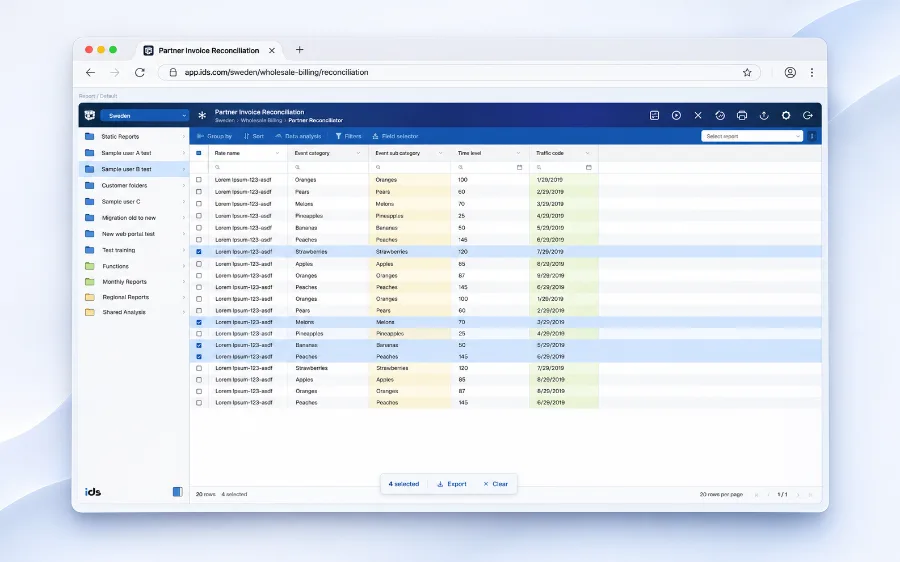
A report view with folder navigation, blue selected rows and tools for sorting, filtering and exporting the selection.

One product, many small design decisions

We worked on UX and UI, icons and visual themes for iServ Desktop and Web Portal. Sometimes that meant redesigning a view or workflow. At other times it meant clarifying a report, distinguishing two interface states or choosing an icon for a particular action. Each choice had to make sense in its own screen and across the product.
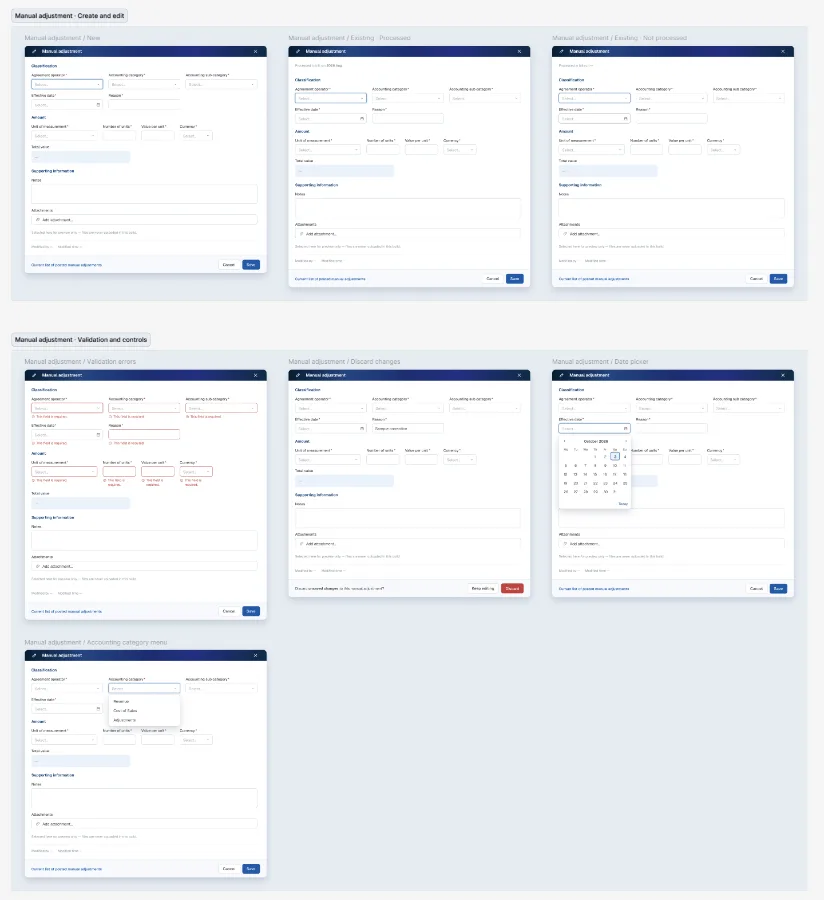
Seven versions of a manual adjustment form show validation errors, an open date picker and an expanded dropdown.
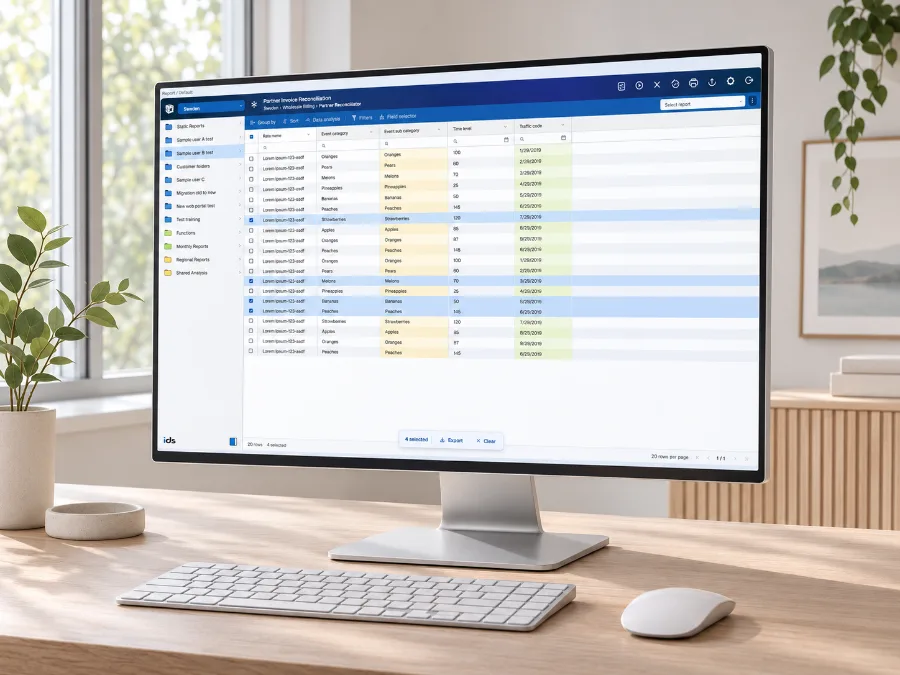
A screen showing a reporting interface with folder navigation, colour-coded columns and rows highlighted in blue.

From Figma to a specification developers can use

We created a workflow to make design handovers quicker and more precise. A custom viewer shows Figma prototypes in context and gives developers access to CSS, colours, typography and design rules. A new request can quickly become a visual example with build instructions, giving the team a shared reference as the design moves into development.
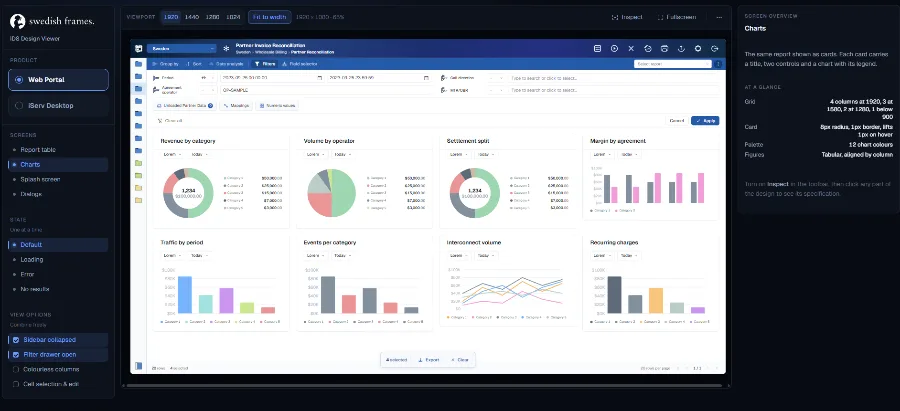
A dark design tool shows a light reporting view with charts, navigation on the left and grid, colour and typography details on the right.

Design as part of the ongoing product work

Years of working with IDS have taken us from individual fixes to larger design projects. The relationship has let us improve how iServ works for users while making it easier for the developers to put those ideas into practice.

A collage showing a lit black cube, coloured glass forms, a telecom mast, a chart interface and a woman looking at her phone.
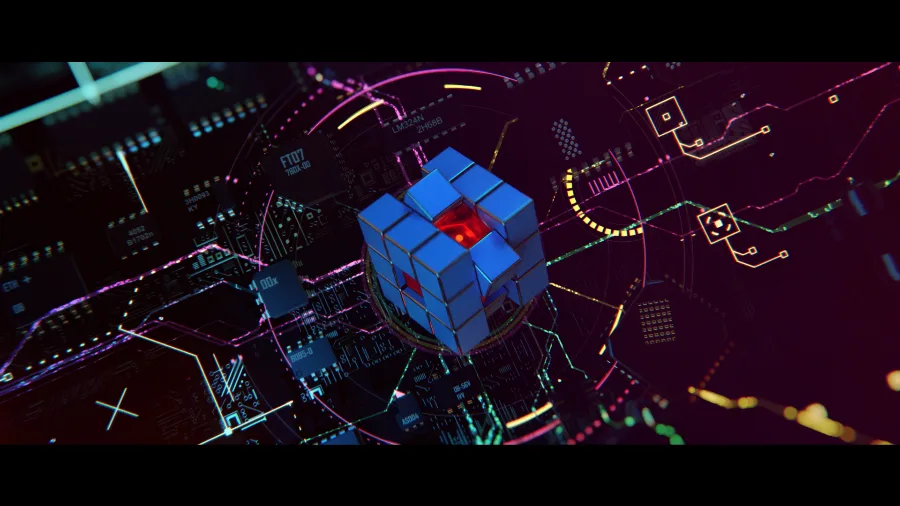
A blue cube of smaller blocks with a glowing red opening, surrounded by coloured circuit-like lines on a dark background.
A close-up of a circuit board with traces and contacts lit in blue, purple and green.